 Submit Ticket


 English
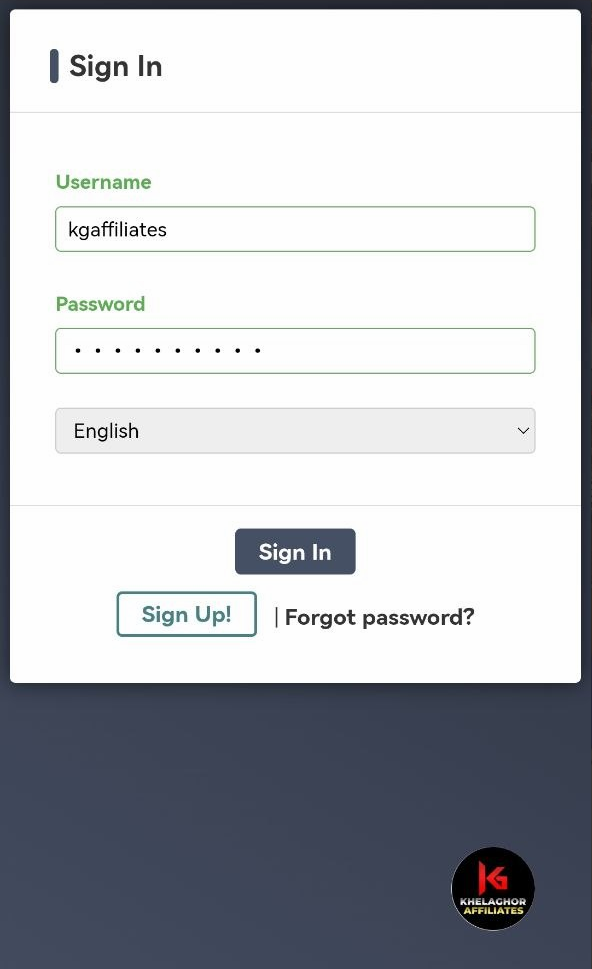
1. Sign in to your Affiliate Account.
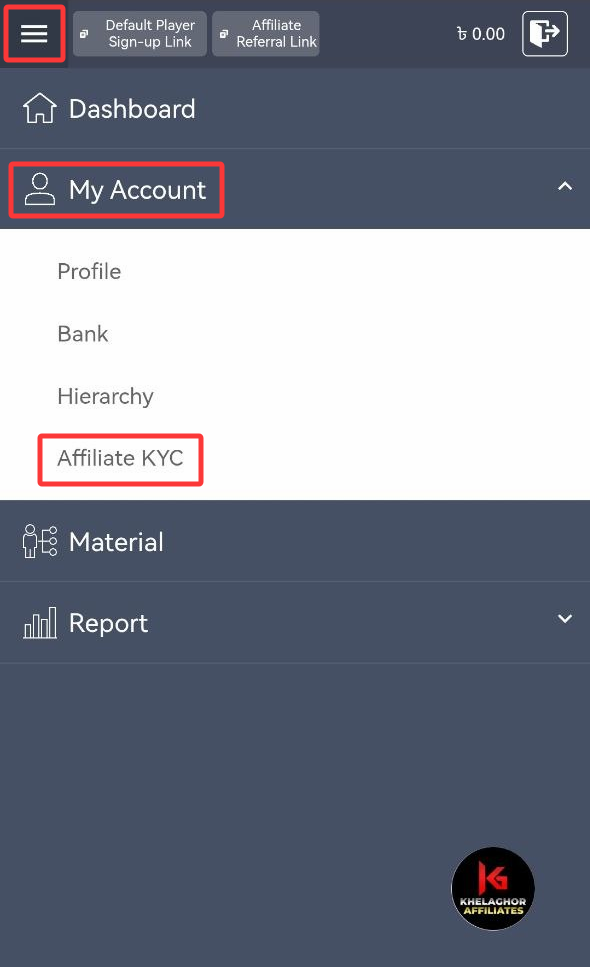
2. Open My Account from the menu and select Affiliate KYC.
3. Choose which ID to upload (passport, driver’s license, or national ID).
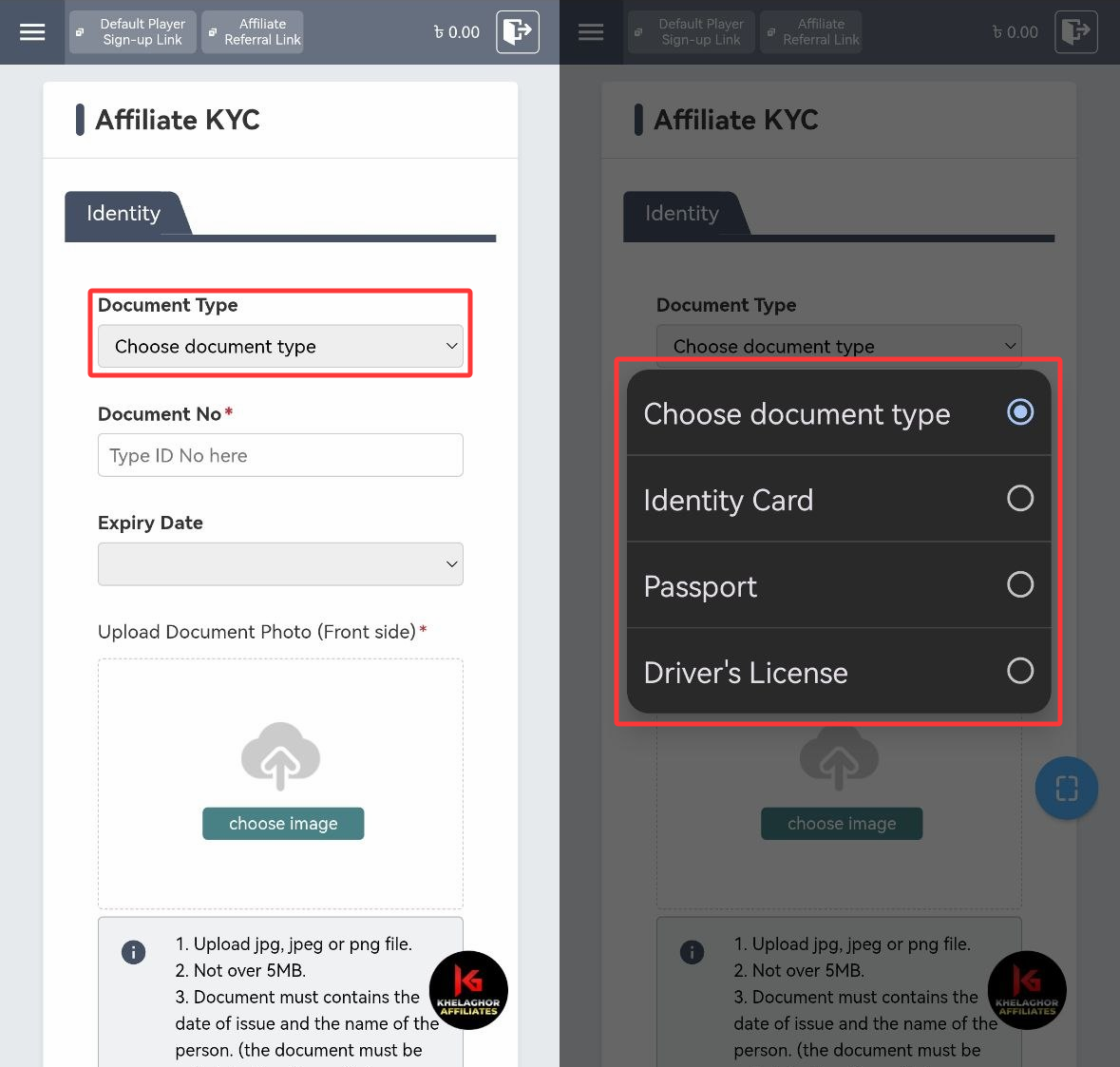
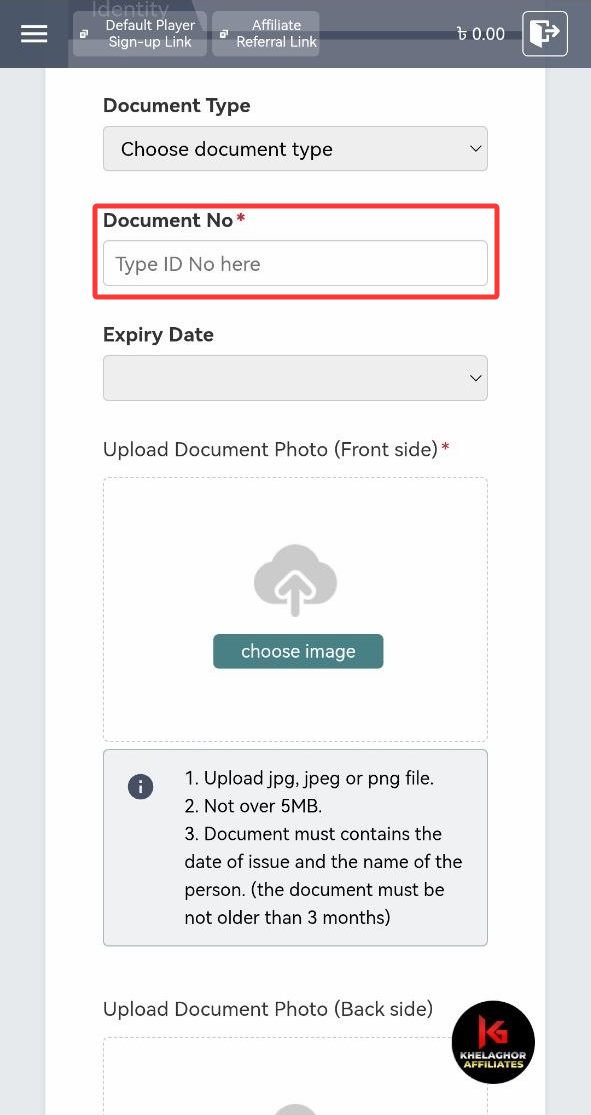
4. Enter the Document Number or ID Number.
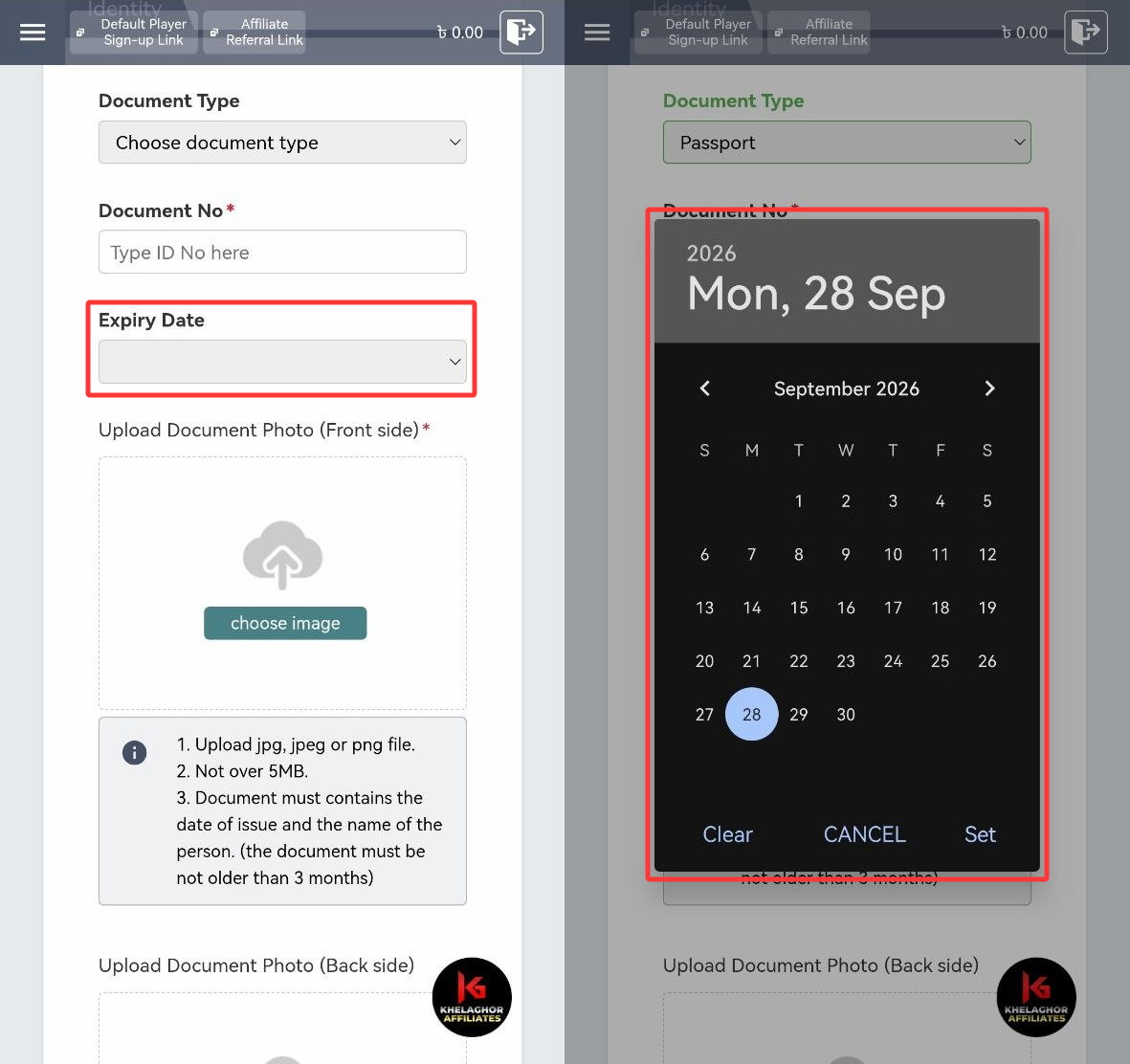
5. Provide the Expiry Date.
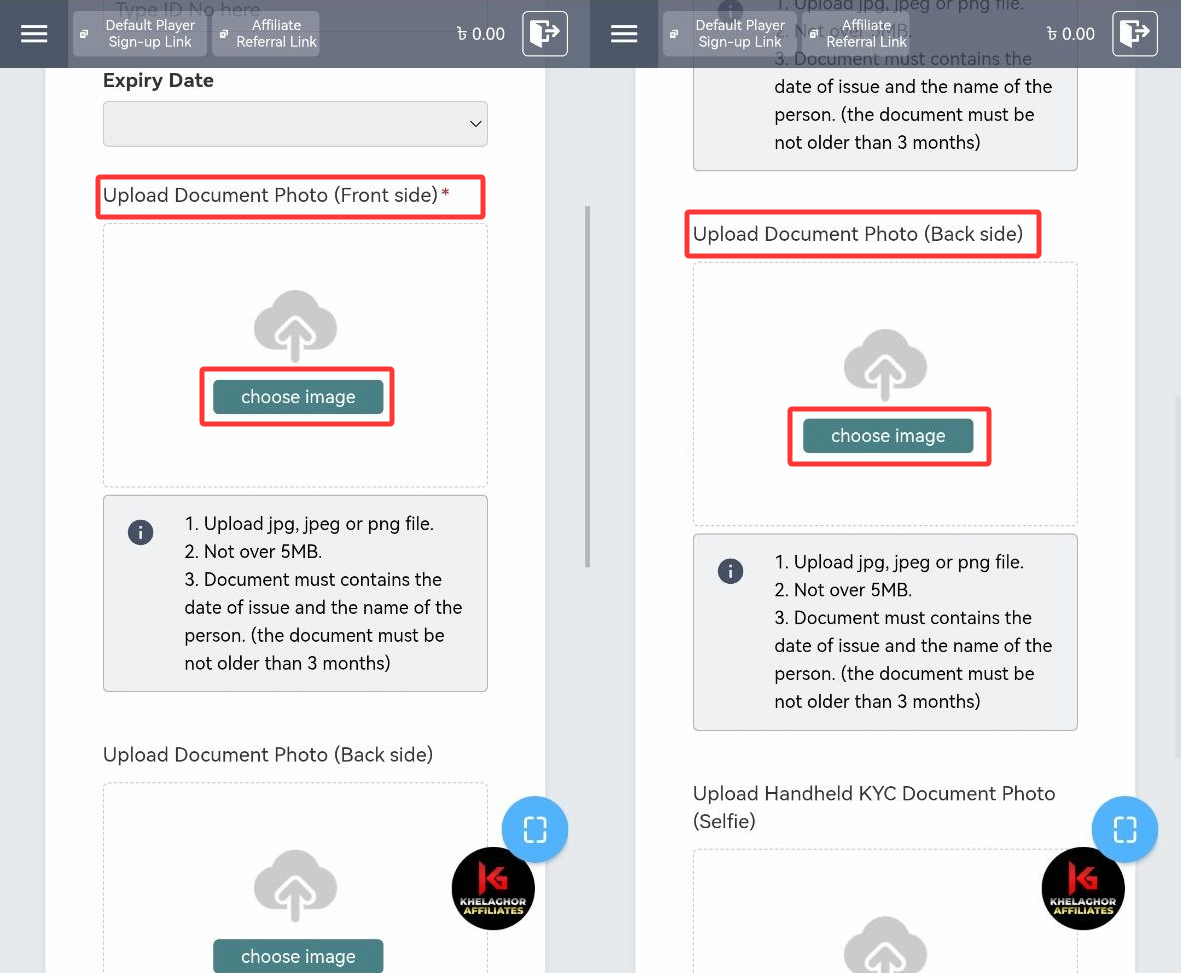
6. Click “Choose Image” to upload your ID photo.
Note:
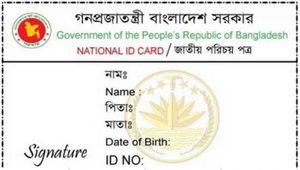
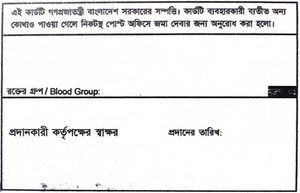
• For national IDs, upload both front and back.
• Ensure the document includes issuance date and your name (not older than 3 months).
• Allowed formats: jpg, jpeg, png.
• File size limit: 5MB.
7. Upload a selfie holding your ID. Your face and ID must be visible and match. Incorrect details will cause rejection
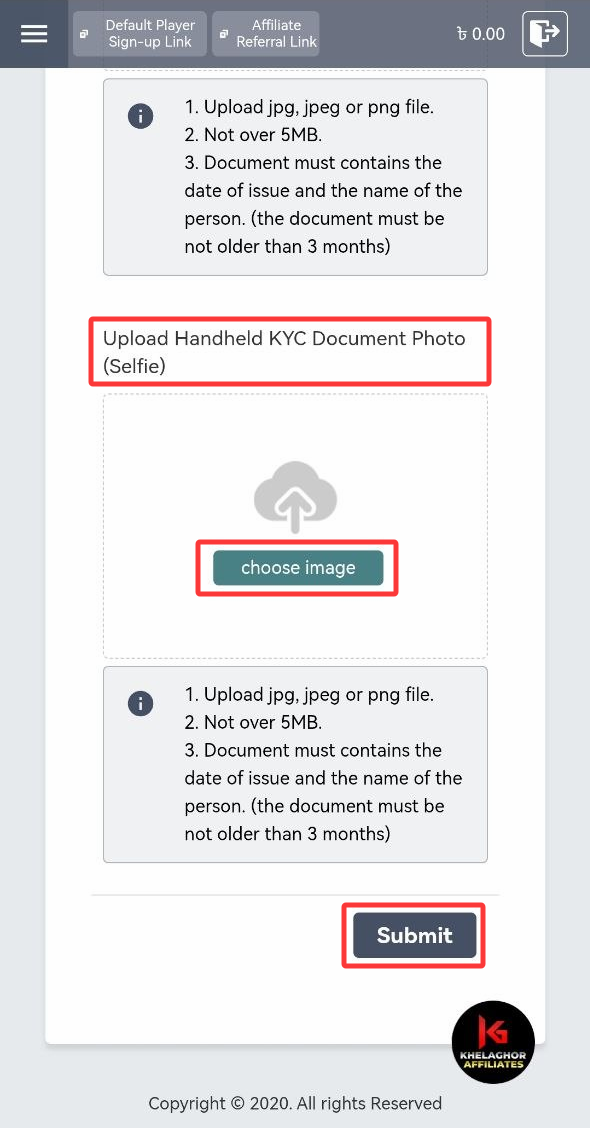
8. Submit the application. Khelaghor Affiliates team will review and email you once verified, or provide feedback if corrections are required.
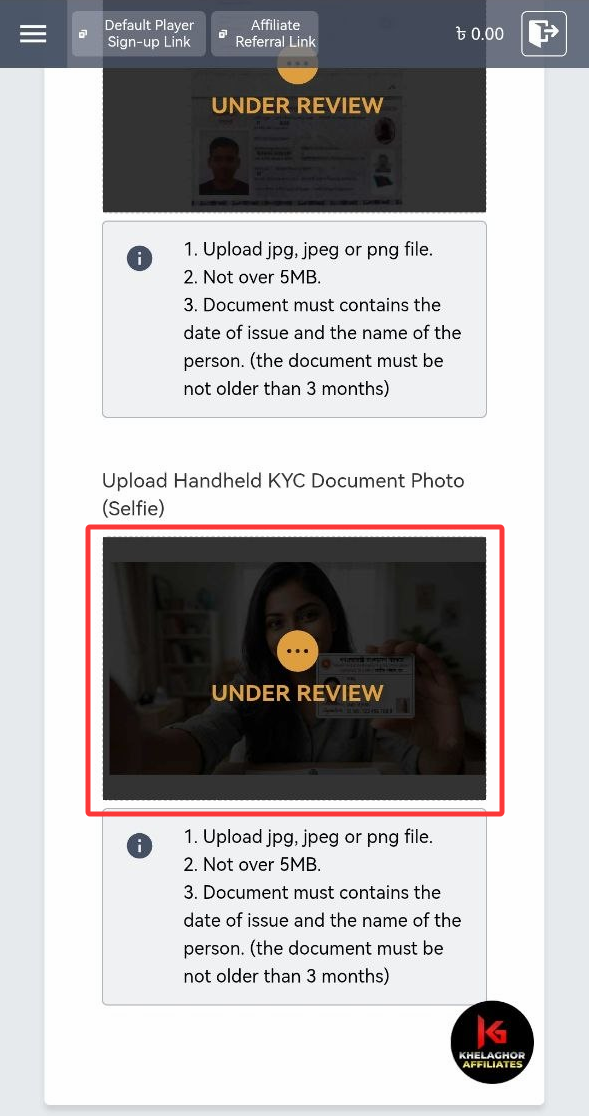
You may upload the following sample documents to finalize your KYC.
1. Sample National Identity Card
Front Side
Back Side
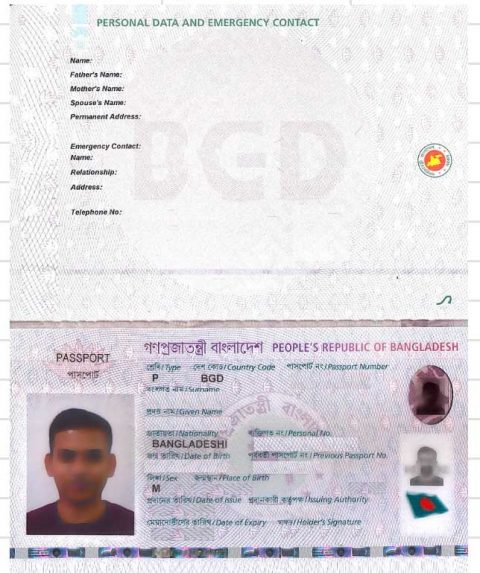
2. Passport
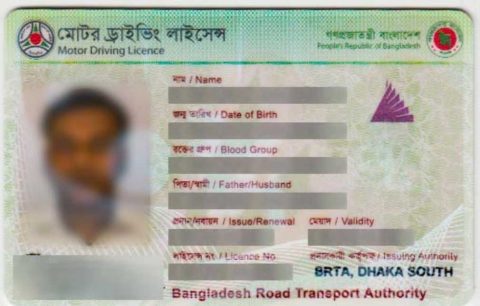
3. Driver’s License